
Synkla your time
with friends.
Create an event, let your friends vote on the best time and make plans. No more endless group chat discussions.


Three steps to a plan.
Create an event
Suggest a few times that work for you and invite your friends in a tap.
Vote
Everyone votes for the times that suit them — without long group chat threads.
Make it official
The app automatically locks in the winning time and takes care of the booking.
See how it works.
A quick look at Synkla — from your first event to a confirmed plan with friends.
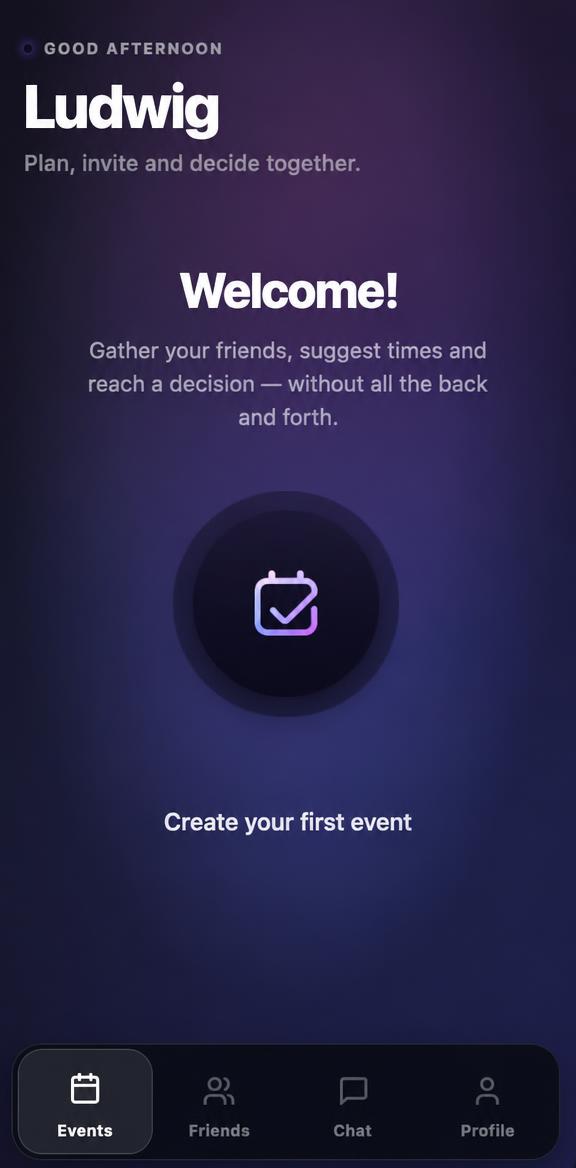
Start your event
Open the app and tap the plus button to create a new event.
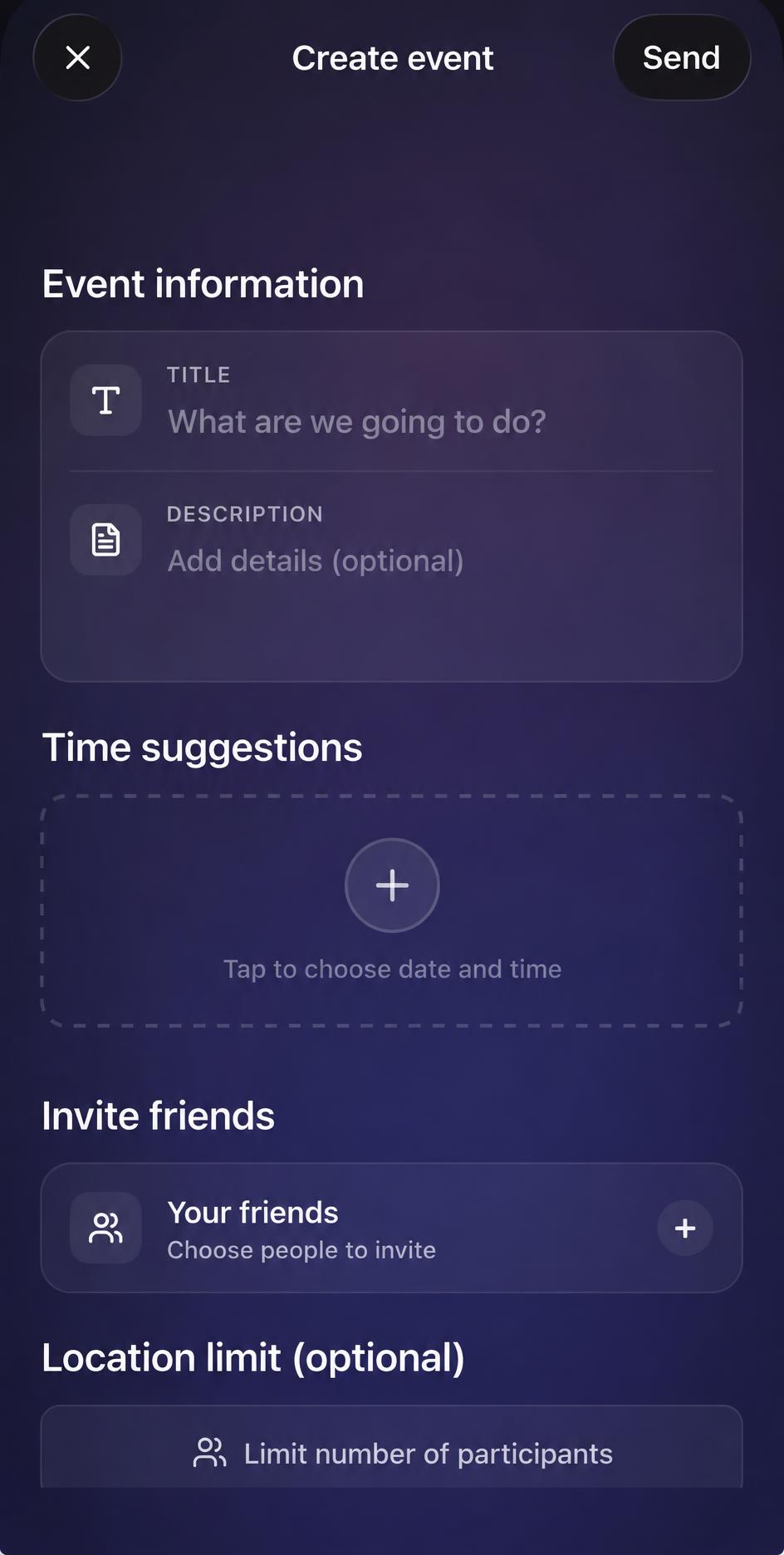
Add the details
Add a title, description and suggested times. Set a location limit if needed.
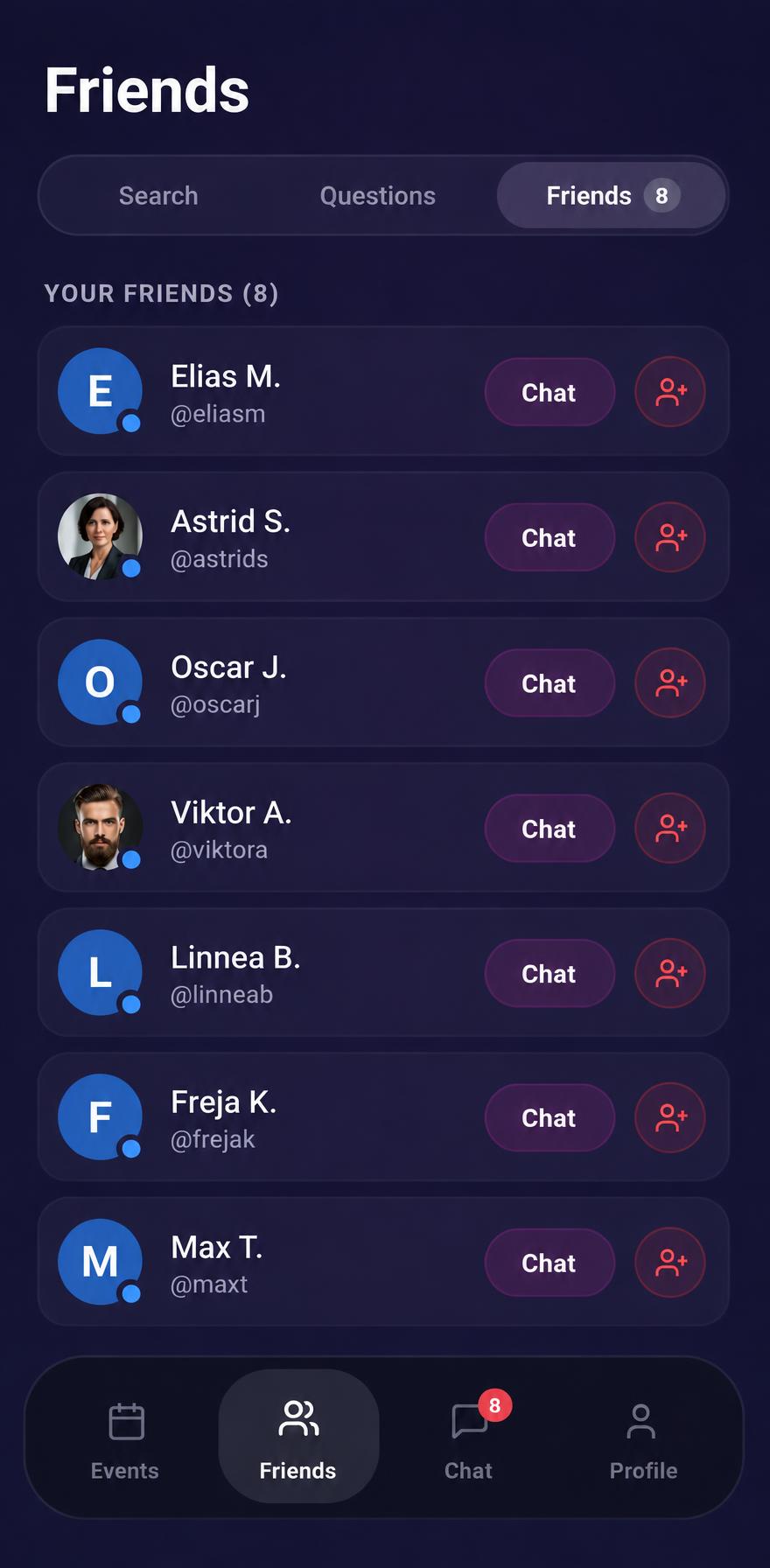
Invite your friends
Choose friends from your list and send the invitation in a tap.
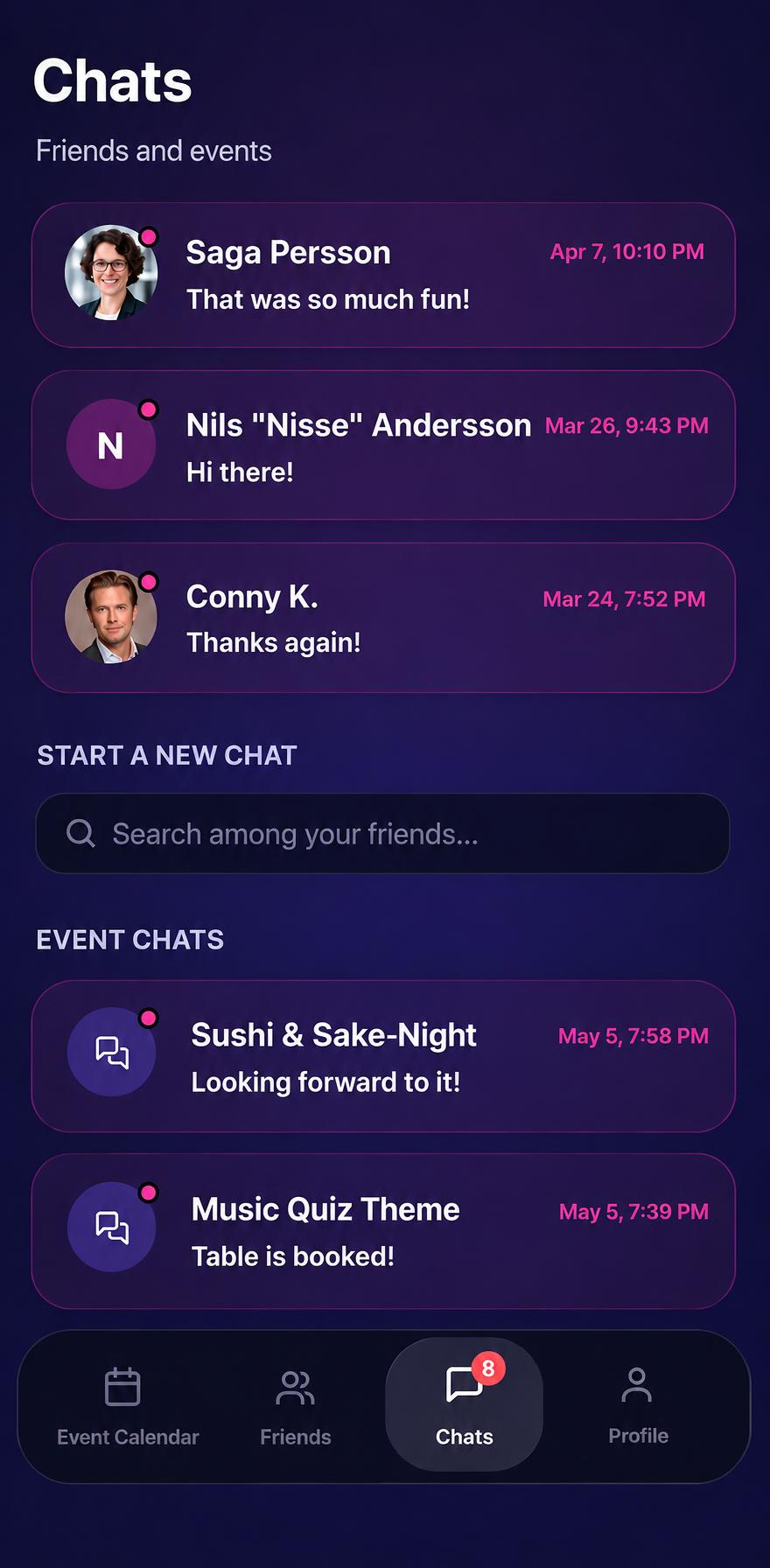
Keep the conversation together
All planning and messages stay in the event's own chat.
We're here to help.
Need help with the app, have a question or want to delete your account? Get in touch and we'll help you.